Swipe Row
React package
swipe-row
Swipeable rows for React on the web.

Swipeable rows usually come in one of two kinds: a short swipe that uncovers a few buttons and stays open (iOS Mail), or a full swipe that carries the row away (Telegram, Gmail). This does both, in one row if you like, in the browser — with a mouse too.
npm install swipe-row- Web
- React
- Pointer Events
- TypeScript
- Zero dependencies
See it move
- 01demo
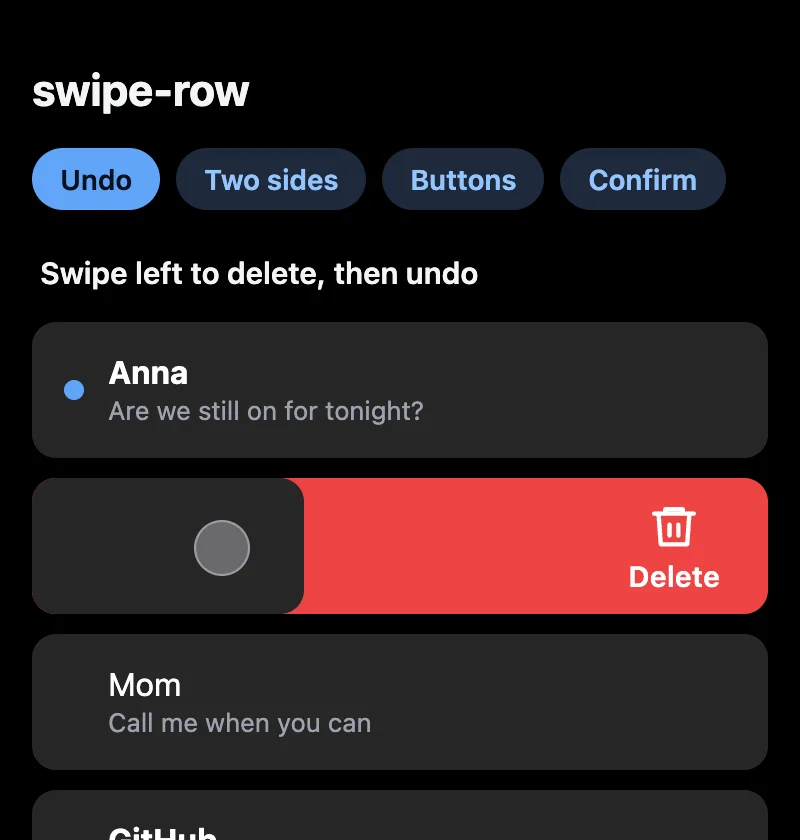
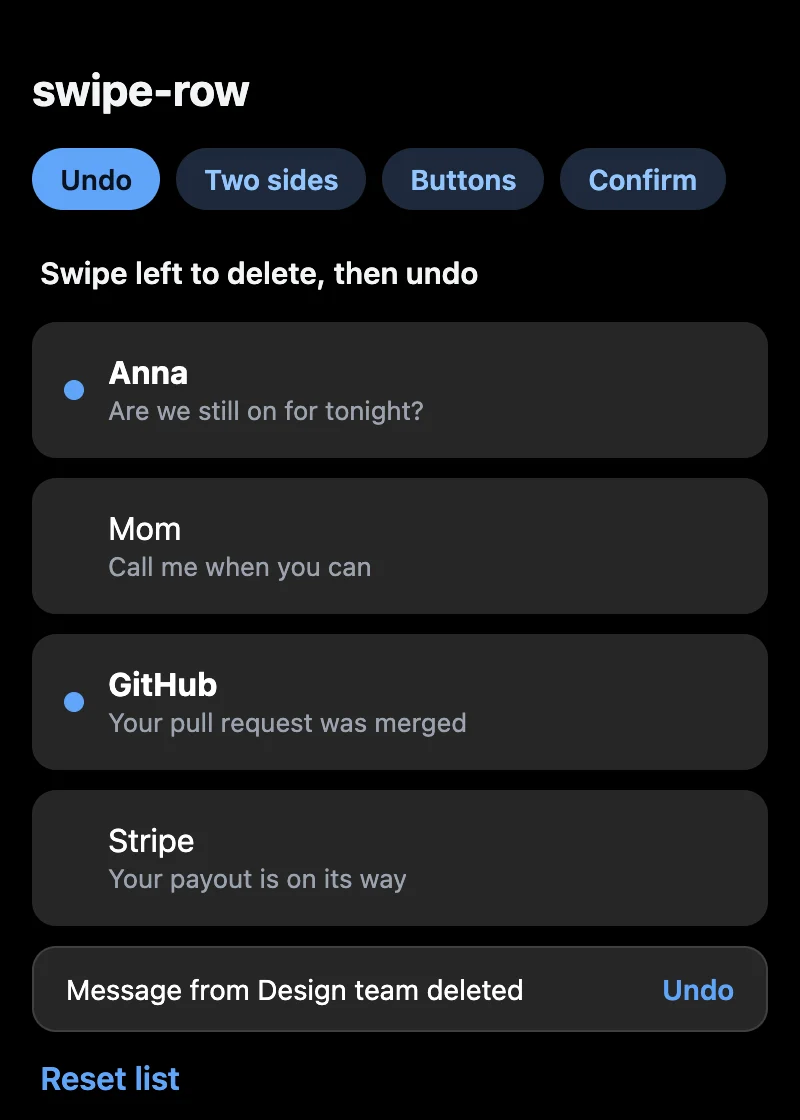
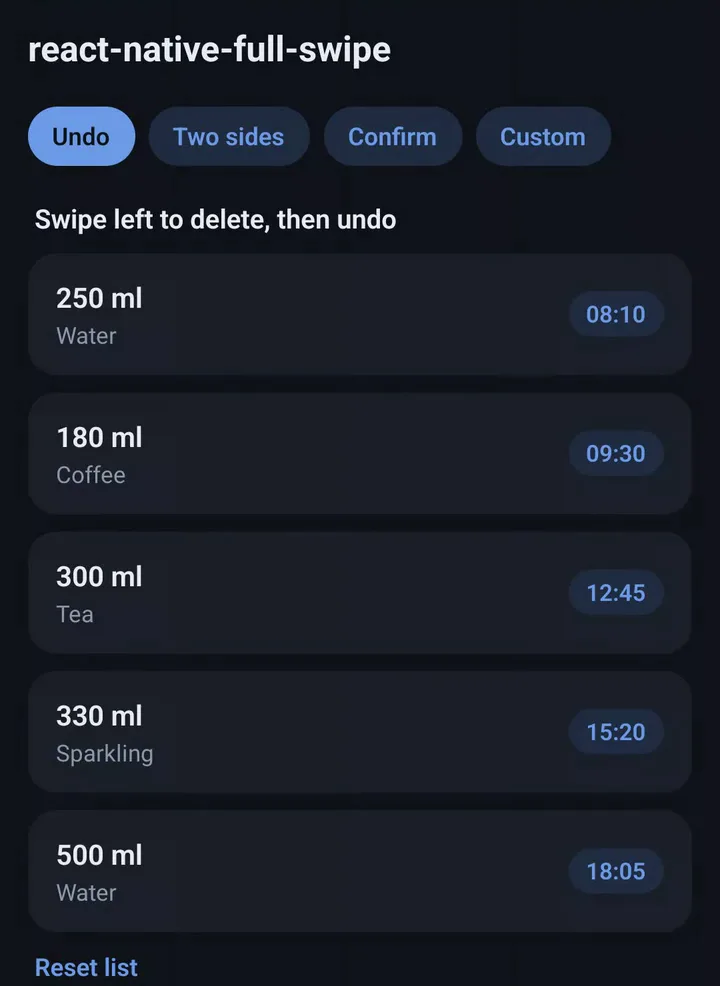
Delete + undoPast the line it goes; Undo brings it back. - 02demo
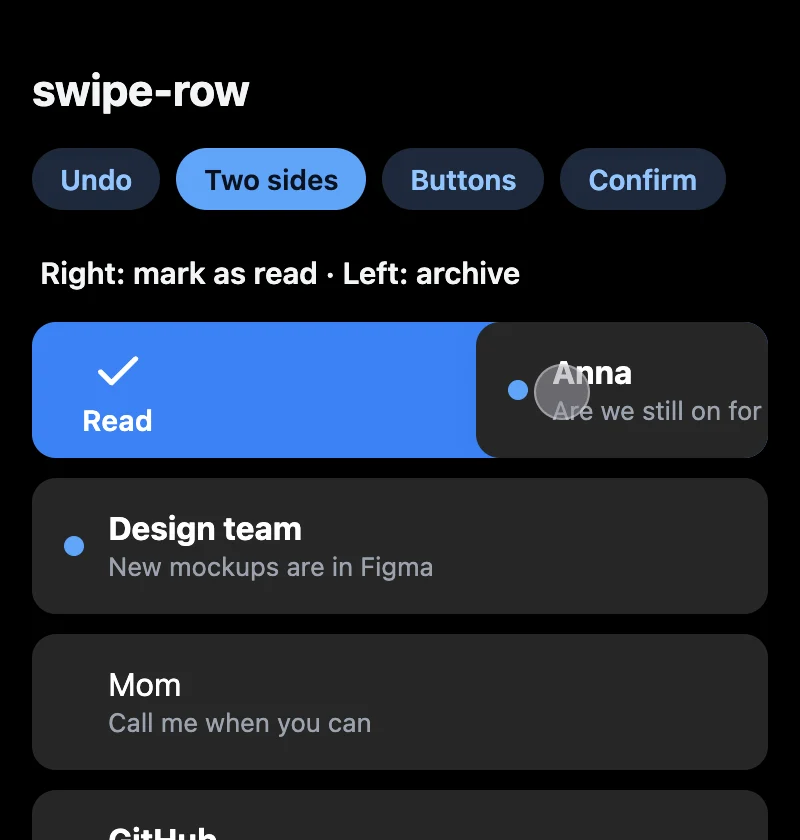
Two sidesRight marks as read and stays, left archives and leaves. - 03demo
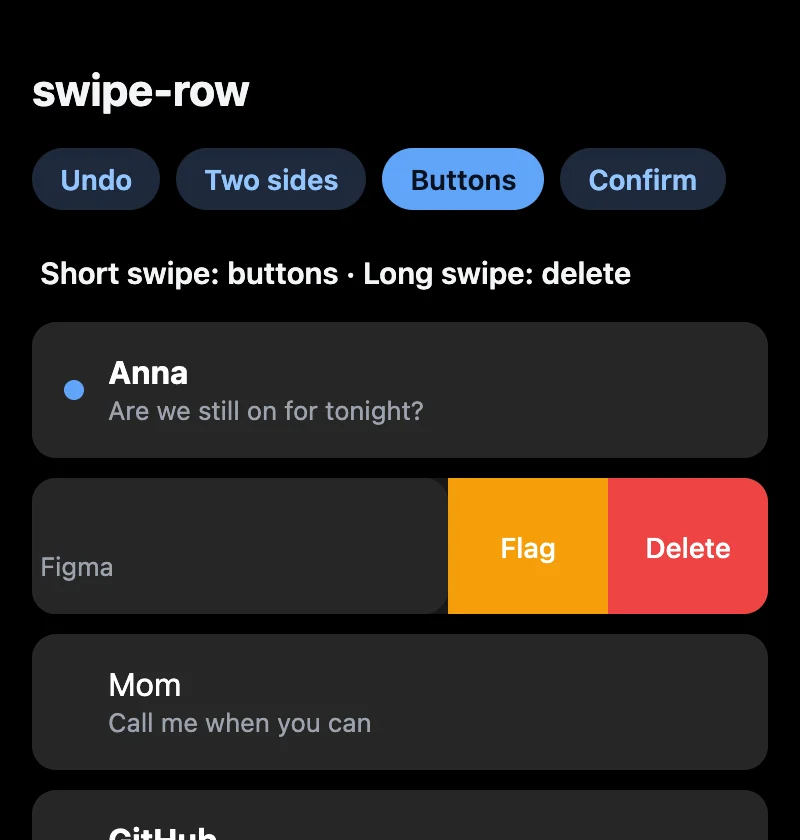
Buttons + full swipeA short swipe opens Flag and Delete, a long one deletes. - 04demo
ConfirmKeep brings the row back, Delete lets it go.
What it does
Two patterns, or both at once
actions reveal buttons and the row stays open; left and right are full-swipe actions. Put both on one side: a short swipe opens the buttons, a long one commits.
A line you can feel
Past the threshold the icon jumps and onArmedChange fires. With haptics, the phone vibrates where the browser allows it.
Each side has its own action
An action can remove the row (delete, archive) or leave it in place (mark as read, pin).
Confirm, or fail
Return false, a promise of it, or a rejected promise, and the row comes back. Works for confirm dialogs and failed network calls.
Undo included
useUndo and UndoBar hold the last removed item for a few seconds.
Zero dependencies, about 5 kB
Pointer Events and a small spring. Vertical scroll keeps working, keyboard and screen-reader users get the actions too, and it honours prefers-reduced-motion.
Quick start
import { SwipeRow, TrashIcon, CheckIcon } from 'swipe-row';
import 'swipe-row/style.css';

<SwipeRow
  left={{ label: 'Delete', icon: <TrashIcon />, onAction: () => remove(mail.id) }}
  right={{ label: 'Read', icon: <CheckIcon />, after: 'reset', onAction: () => markRead(mail.id) }}
  haptics
>
  <MailRow mail={mail} />
</SwipeRow><SwipeRow
actions={[
{ label: 'Flag', onClick: flag, backgroundColor: '#f59e0b' },
{ label: 'Delete', onClick: remove, backgroundColor: '#ef4444' },
]}
left={{ label: 'Delete', icon: <TrashIcon />, onAction: remove }}
>
<MailRow mail={mail} />
</SwipeRow>