Wheel Kit
React Native package
react-native-wheel-kit
Wheel pickers that feel the same on iOS and Android.

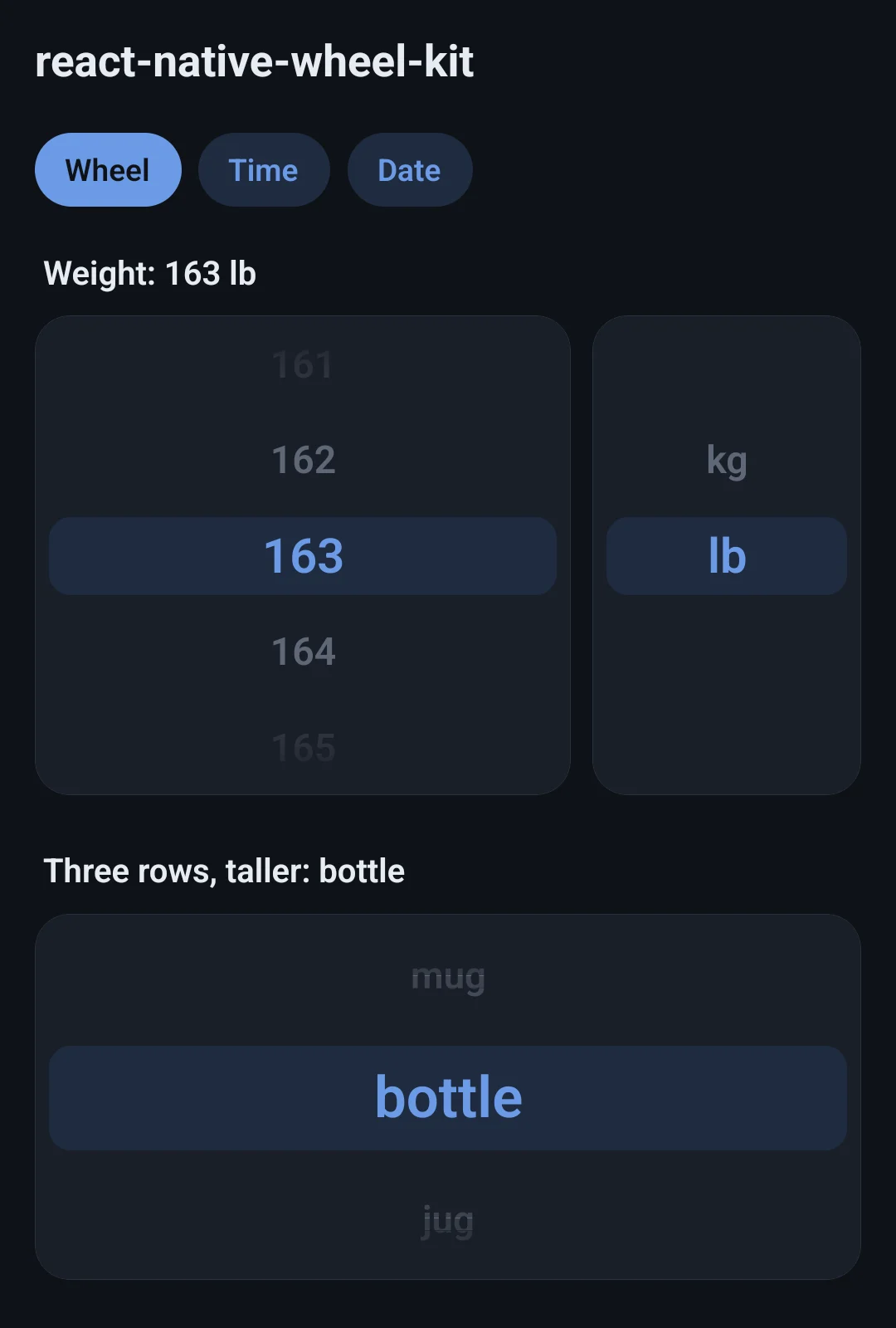
Android has no wheel picker of its own, and the iOS one can barely be styled. This is one wheel, drawn the same on both platforms: the selected row sits on a band, its neighbours are greyed and shrunk, and the edges fade out.
npm install react-native-wheel-kitnpx expo install react-native-reanimated- iOS
- Android
- Reanimated
- Expo
- TypeScript
See it move
- 01demo
WheelPickerFlick a weight wheel, switch kg to lb, a three-row wheel. - 02demo
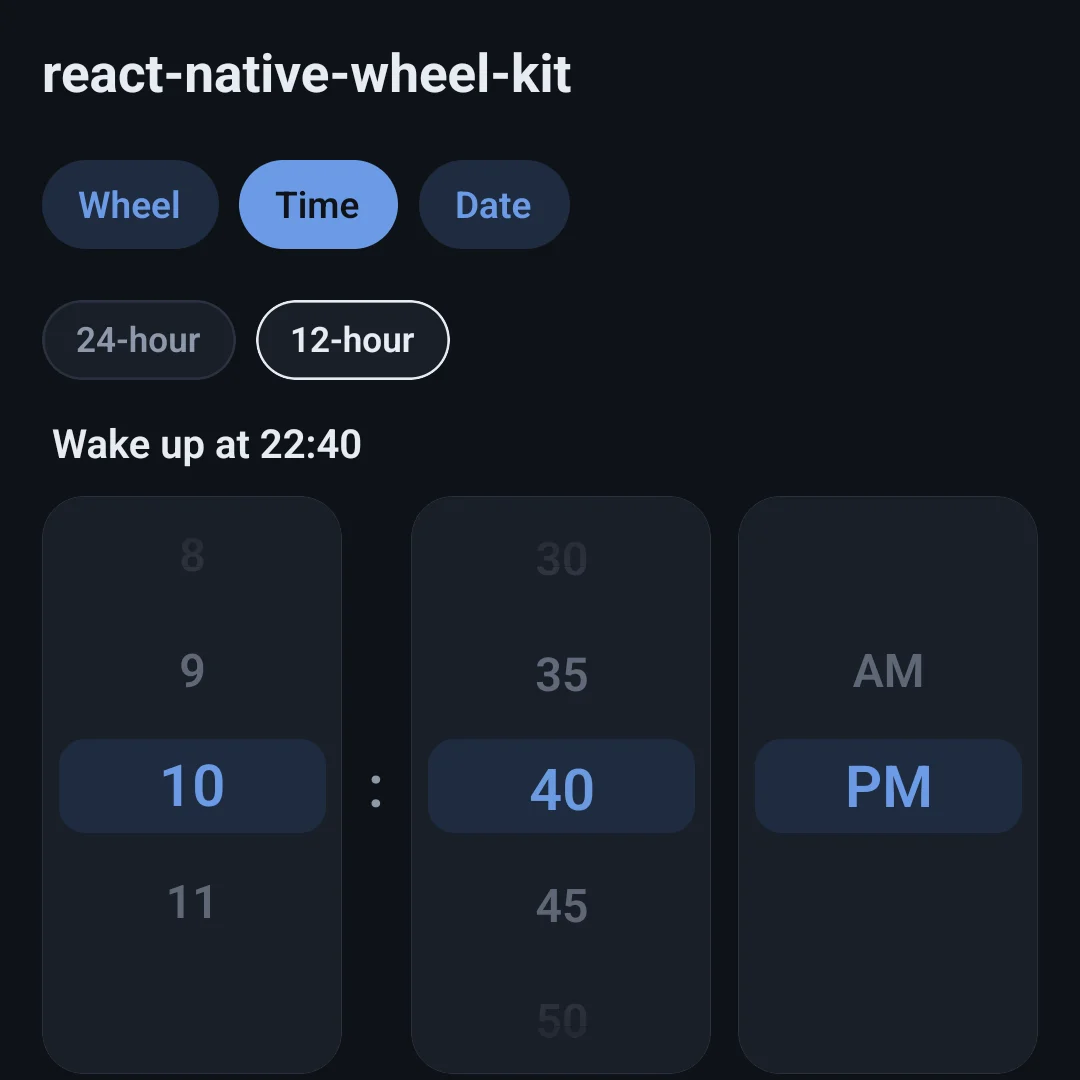
TimePicker24-hour on a 5-minute grid, then 12-hour with AM/PM. - 03demo
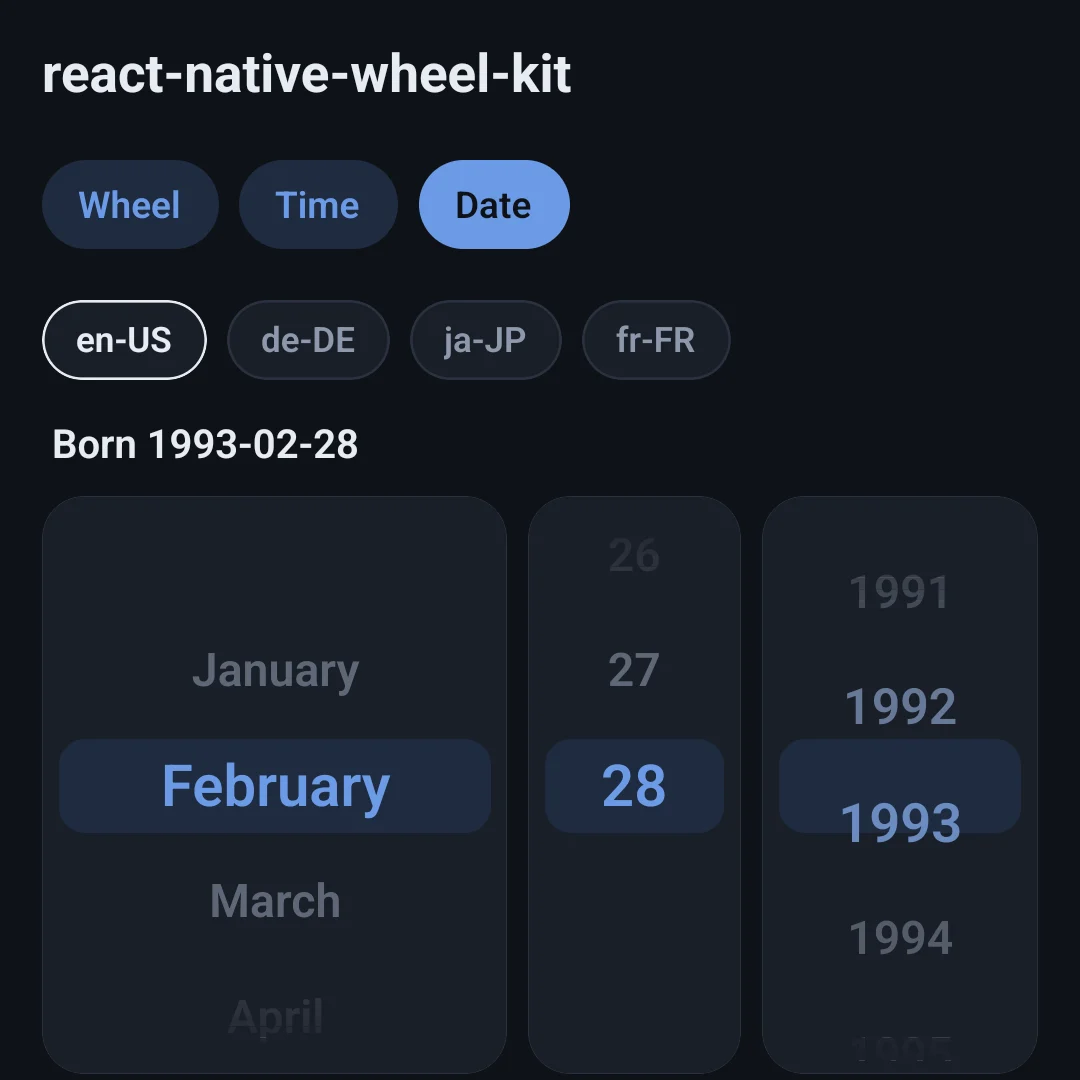
DatePicker31 January lands on the 28th; locales reorder the wheels.
What it does
A haptic tick per row
onTick fires once for every row that passes the band while a finger spins the wheel, glide included. Setting the value from code stays quiet.
Long lists stay fast
Virtualised: a wheel of 500 weights or a century of years only keeps the rows near the viewport mounted.
On the UI thread
Rows are scaled, not re-laid out, so nothing reflows while it spins.
Works inside a ScrollView
No “VirtualizedLists should never be nested” error, and it scrolls on Android.
Dates don't drift
DatePicker works on { year, month, day }, not a Date — no time-zone surprises, and the day wheel always has the days that month has.
Any locale
Month names and wheel order come from Intl: month-day-year in en-US, day-month-year in de-DE, year-month-day in ja-JP.
Quick start
import { WheelPicker } from 'react-native-wheel-kit';
import * as Haptics from 'expo-haptics';

<WheelPicker
  options={weights}
  value={weight}
  onChange={setWeight}
  onTick={() => Haptics.selectionAsync()}
  accessibilityLabel="Weight"
/>import { DatePicker, TimePicker, fromDate } from 'react-native-wheel-kit';
<TimePicker value={time} onChange={setTime} minuteInterval={5} />
<TimePicker value={time} onChange={setTime} format="12h" />
<DatePicker
value={date}
onChange={setDate}
minimumDate={{ year: 1920, month: 1, day: 1 }}
maximumDate={fromDate(new Date())}
monthFormat="long"
/>