Full Swipe
React Native package
react-native-full-swipe
One swipe. Any action, on either side.

Most swipeable rows stop halfway and show a few buttons — the iOS Mail pattern. This is the other one, the pattern Telegram and Gmail use: the row doesn't stop. The action's colour fills the whole gap the row opens, and when you let go the action either happens or the row springs back.
npm install react-native-full-swipenpx expo install react-native-reanimated react-native-gesture-handler- iOS
- Android
- Reanimated
- Gesture Handler
- Expo
- TypeScript
See it move
- 01demo
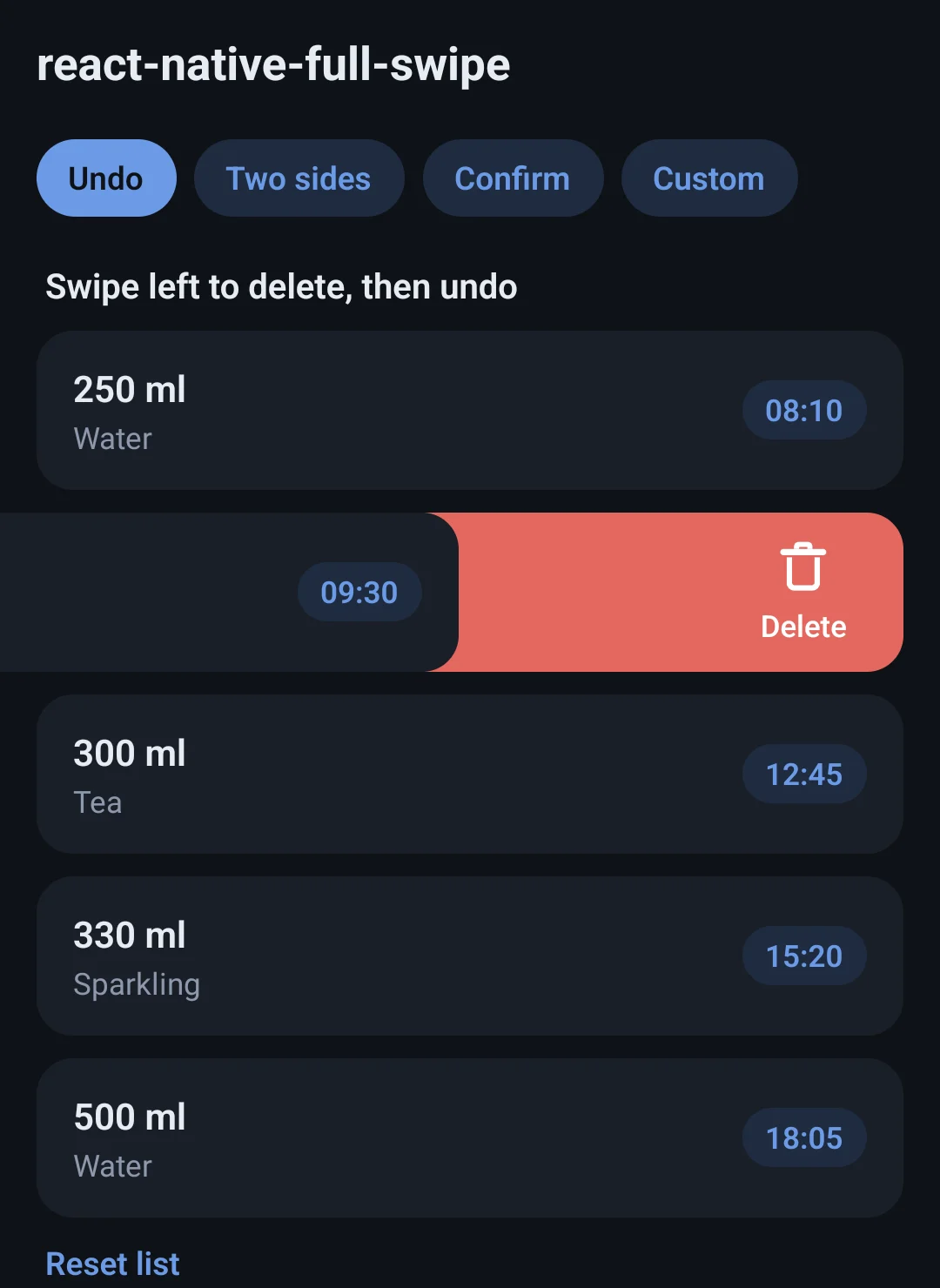
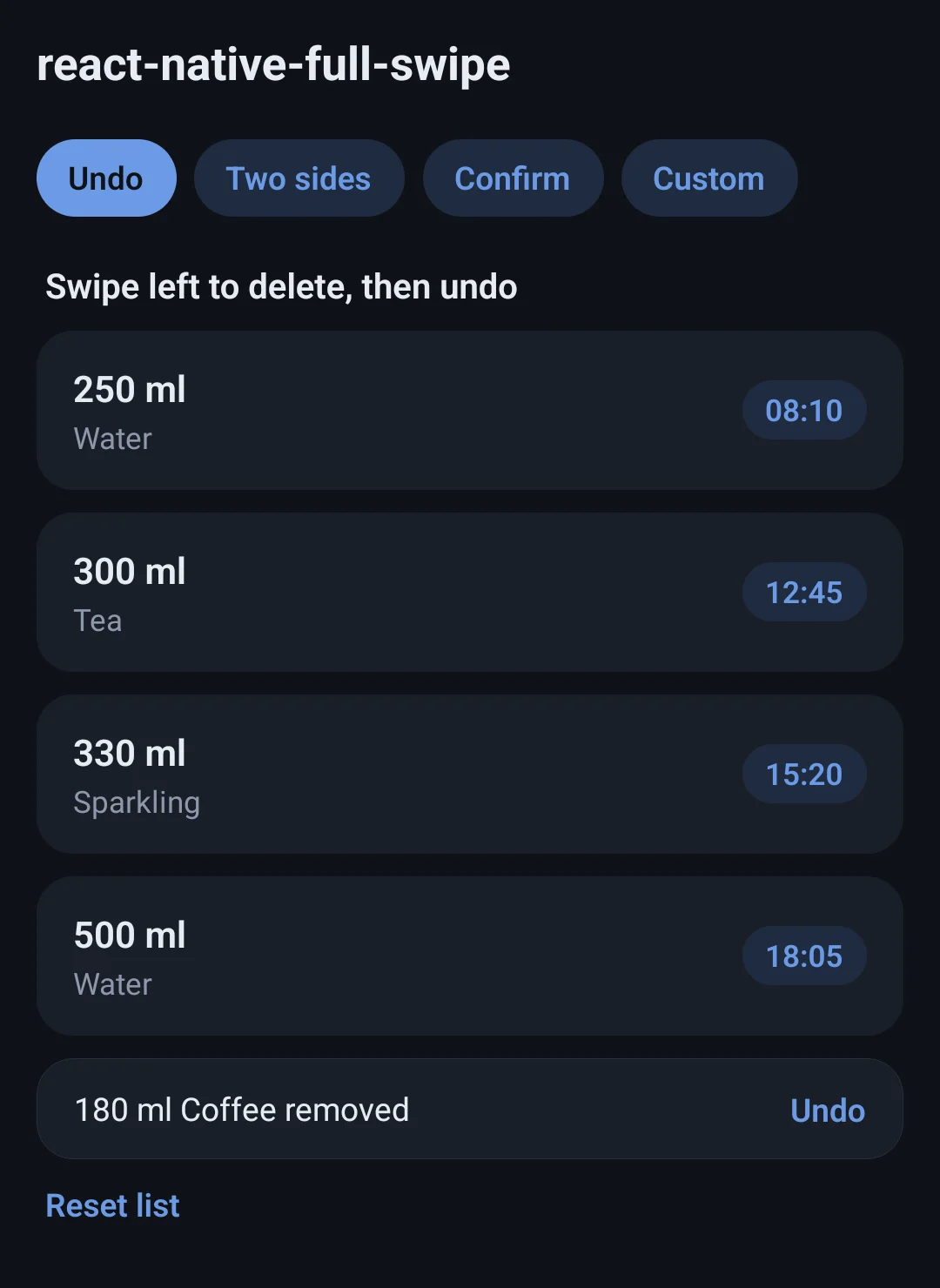
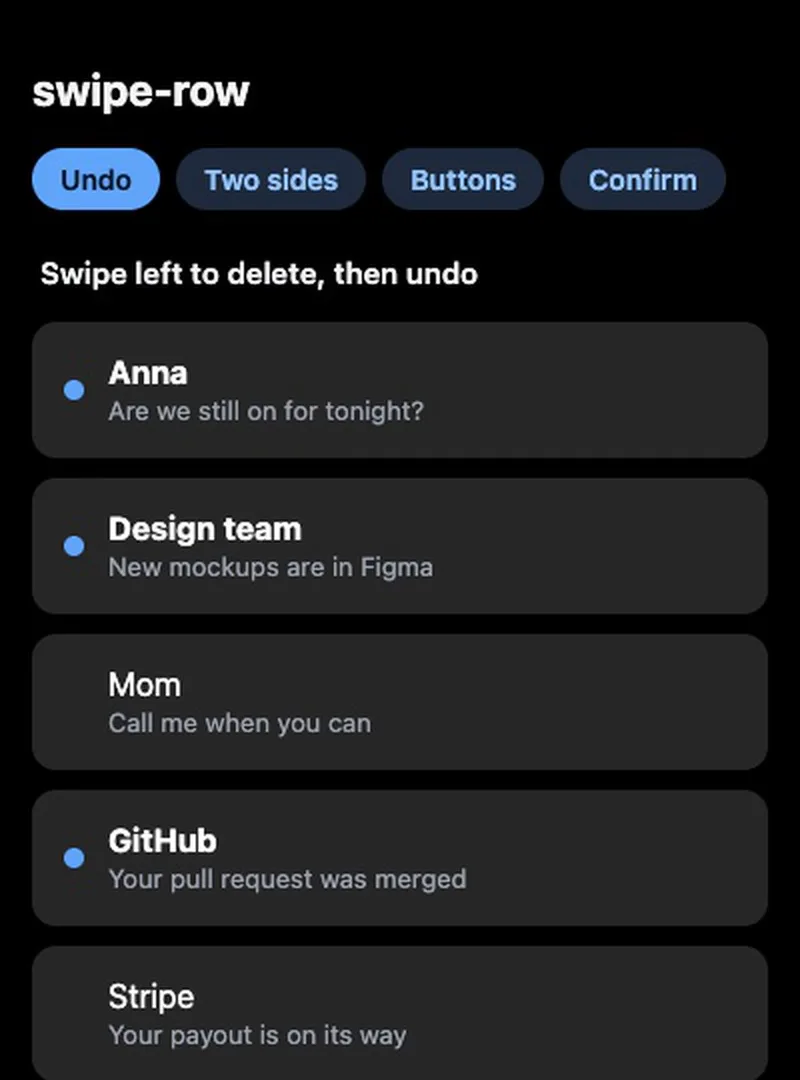
Delete + undoLet go short and it springs back; past the line it goes. - 02demo
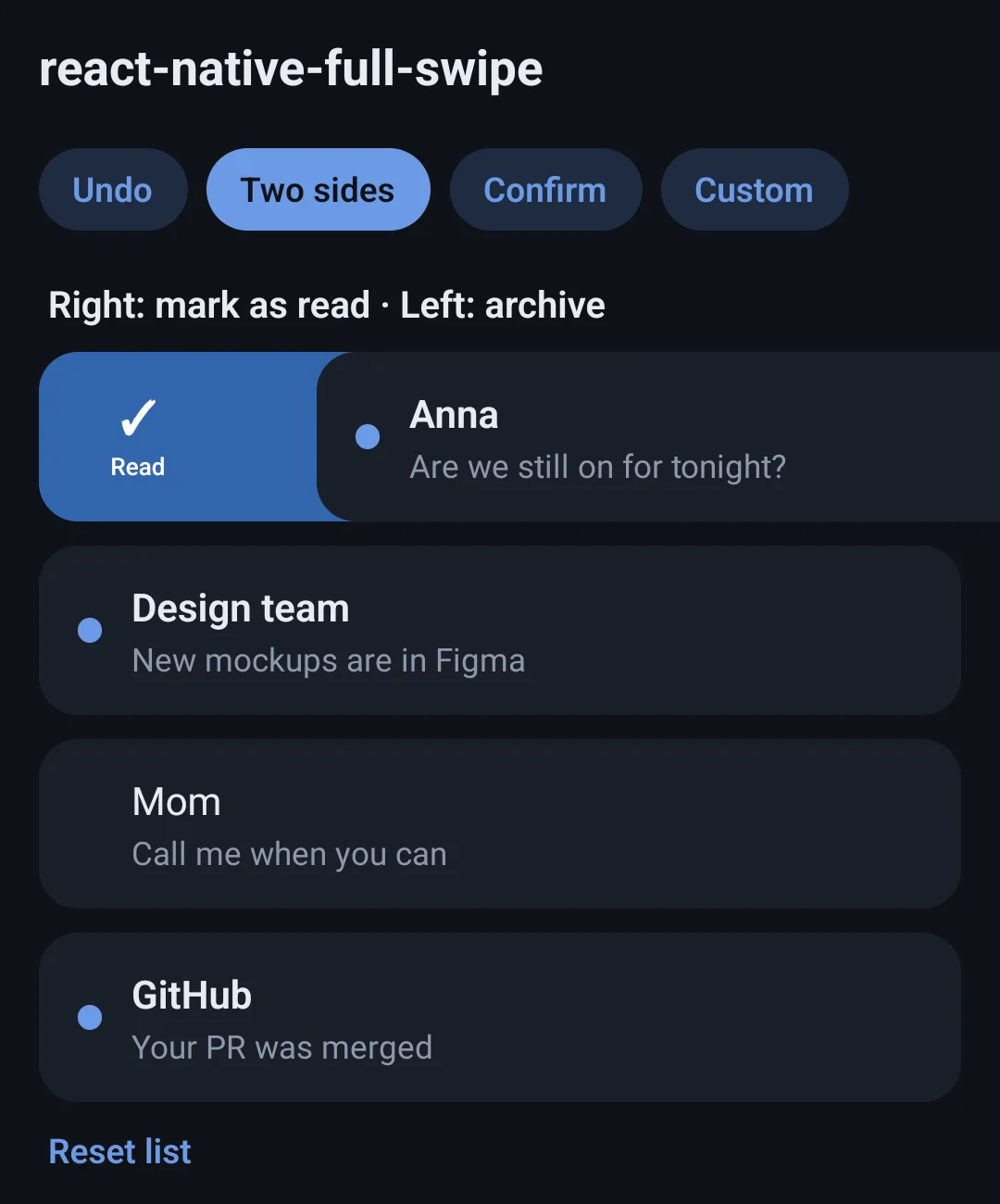
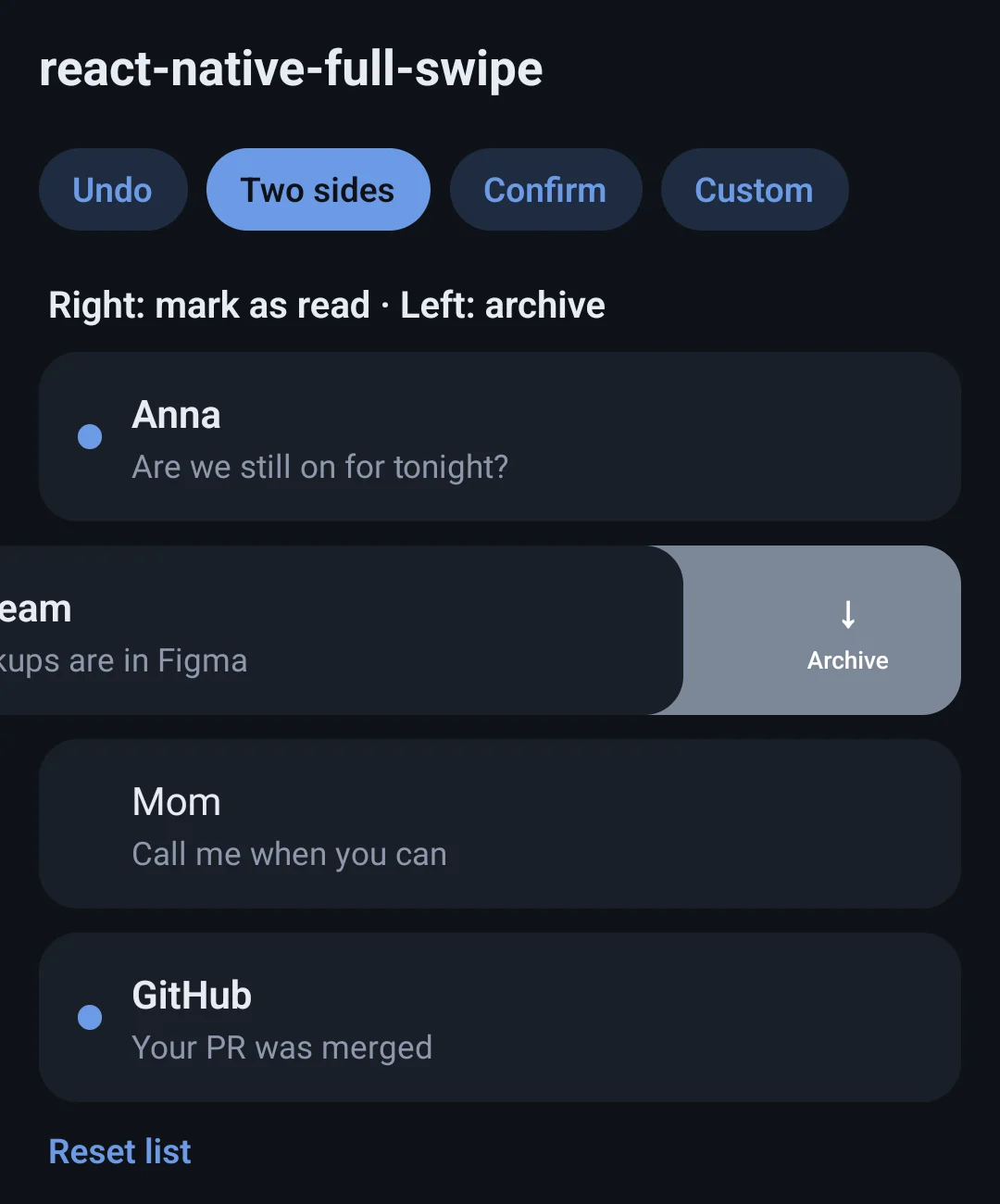
Two sidesRight marks as read and stays, left archives and leaves. - 03demo
ConfirmReturn false to keep the row. - 04demo
Your own lookThe hook and backdrop, with your own content.
What it does
A line you can feel
Past the threshold the icon jumps and onArmedChange fires — that is where the haptic goes. Back off and it jumps back.
A flick counts, a twitch doesn't
A fast flick commits from a shorter swipe, but only once the row is a fair way over.
Each side has its own action
One side can remove the row (delete, archive), the other can leave it in place (mark as read, pin).
Confirm, or fail
Return false, a promise of it, or a rejected promise, and the row comes back. Works for confirm dialogs and failed network calls.
Undo included
useUndo and UndoBar hold the last removed item for a few seconds.
On the UI thread
Built on Reanimated and Gesture Handler, and every side is also a screen-reader action. No SVG or styling library.
Quick start
import { SwipeRow, TrashIcon } from 'react-native-full-swipe';

<SwipeRow
  left={{ label: 'Delete', icon: <TrashIcon />, onAction: () => remove(item.id) }}
  right={{ label: 'Read', icon: <CheckIcon />, after: 'reset', onAction: () => markRead(item.id) }}
  onArmedChange={(armed) => armed && Haptics.impactAsync()}
>
  <MessageCard item={item} />
</SwipeRow>const undo = useUndo<Drink>({ timeout: 5000 });
<SwipeRow
left={{
label: 'Delete',
icon: <TrashIcon />,
onAction: () => {
undo.push(drink);
setDrinks((list) => list.filter((d) => d.id !== drink.id));
},
}}
>
<DrinkCard drink={drink} />
</SwipeRow>
<UndoBar
visible={undo.item !== null}
message={`${undo.item?.ml} ml removed`}
onAction={() => {
const back = undo.take();
if (back) setDrinks((list) => [back, ...list]);
}}
/>